

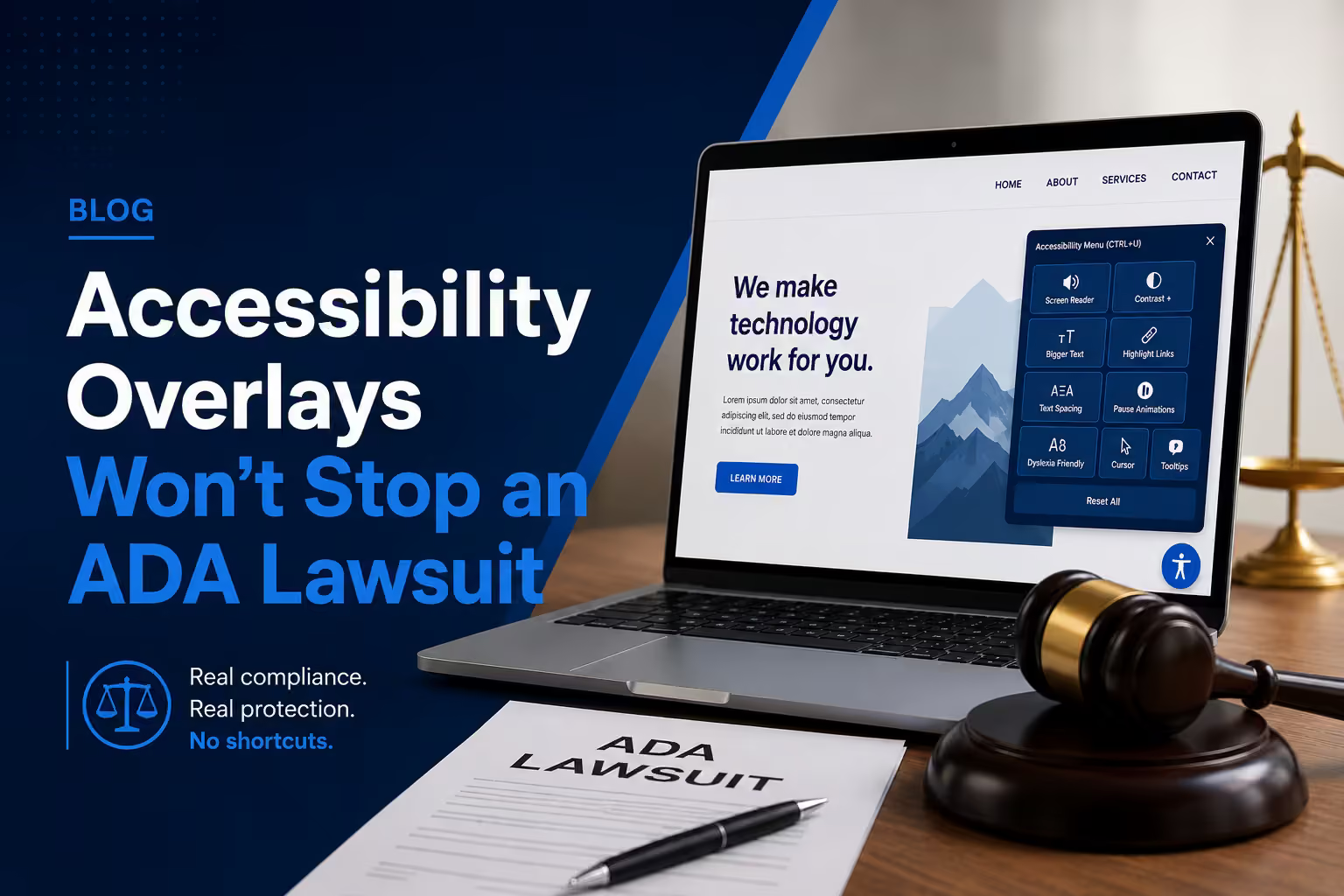
An accessibility audit and accessibility remediation are connected, but they are not the same service.
An audit tells you what is wrong and how it affects users. Remediation changes the website. Retesting checks whether the agreed problems were resolved.
Choose an audit when you need reliable findings, priorities and evidence. Choose remediation when identified barriers need to be fixed. For most established websites, the practical sequence is audit, prioritise, remediate and retest.
What an accessibility audit includes
The scope should name the standard and the representative pages, templates and user journeys being tested. It may combine automated checks with manual keyboard, screen-reader, zoom, focus and content review.
A useful report explains:
- The affected page or component
- The barrier and who it can affect
- The relevant success criterion
- Severity or priority
- Steps to reproduce the issue
- Practical repair guidance
- Evidence captured during testing
An audit is not simply a score from an automated tool. W3C’s evaluation guidance explains why human evaluation is needed alongside tools. A score is a starting signal, not a conformance decision.
Audit, remediation and retesting at a glance
| Stage | Main question | What you should receive |
|---|---|---|
| Audit | Where are people encountering barriers? | Reproducible findings, affected journeys and priorities |
| Remediation | What needs to change? | Agreed code, design and content corrections |
| Retest | Do the corrections work in the intended journey? | Dated results, remaining issues and next responsibilities |
Agree the WCAG version and target level in writing. WCAG 2.2 provides technical success criteria; the baseline appropriate to a contract or jurisdiction should be confirmed separately. A limited sample review should not be described as proof that every page conforms.
What remediation includes
Remediation changes the parts of the website that create barriers. The work may involve design, front-end code, content, forms, navigation, media and uploaded documents.
Examples include improving keyboard access, focus order, labels, error messages, colour contrast, heading structure, alternative text and responsive behaviour at zoom.
The exact work depends on the audit and the agreed technical ownership. A third-party booking or payment tool may require action from its provider.
Example: a visitor cannot submit an enquiry
An audit might find that a required field has no accessible label, a validation error appears without explanation, or keyboard focus becomes trapped in a dialog. The report should show how to reproduce the problem and explain the affected task.
Remediation changes the labels, validation behaviour or dialog interaction at the source. Retesting then follows the complete enquiry journey, including error recovery and successful submission. This is an illustrative workflow, not a reported client outcome.
Why retesting matters
A change can fix one issue and create another. Retesting should cover the repaired component and the relevant user journey, not only the individual line of code.
Keep a record of what was tested, what changed, what remains and who owns the next action.
Ask for a dated retest record with the relevant browser and assistive-technology setup. Shared components should be checked on representative templates, and unresolved third-party barriers should remain visible rather than disappear from the report. W3C’s conformance evaluation resources explain structured evaluation and reporting.
Which should you buy first?
Start with an audit when you do not have dependable findings, when a redesign is being planned or when different teams disagree about priorities.
Move directly into remediation only when the issues are already documented well enough to reproduce and fix.
For a new website, accessibility-first design and development can prevent many barriers before launch. It does not remove the need for final testing.
What to include in the quotation
Before comparing prices, confirm:
- Which pages, templates, documents and customer journeys are included
- The WCAG version, level and testing methods
- Who can change the website and third-party integrations
- Whether fixes and retesting are included or priced separately
- How new findings and out-of-scope work will be handled
- What evidence, handover and ongoing checks will be delivered
Cost and timing depend on the unique barriers, reusable components, access and scope—not just the number of scanner flags. Source-code rights, support and delivery responsibilities should be recorded in the accepted proposal. Read our website quotation checklist before commissioning the work.
Keep accessibility working after the fixes
New content, plugins, checkout changes and theme updates can introduce barriers again. Give the team a short publishing checklist, test important releases and assign responsibility for reported issues. Keep an accessible contact route so visitors can describe a problem without having to complete the broken journey.
Accessibility and privacy should be tested together on consent dialogs and enquiry forms: visitors need usable controls, clear purposes and a genuine way to change their choices. These are implementation concerns, not a promise of legal certification.
Emergency requests
An urgent assessment response is not the same as complete remediation. eLan Technology targets a response to emergency assessment requests within 48 hours. The time required to investigate and repair a website depends on access, scope, complexity and third-party systems.
Explore our ADA and WCAG accessibility services or request an accessibility assessment.
If you are unsure where to start, request an initial website review. Its public-page scope is distinct from a detailed accessibility audit; deeper assessment and remediation are agreed separately.