

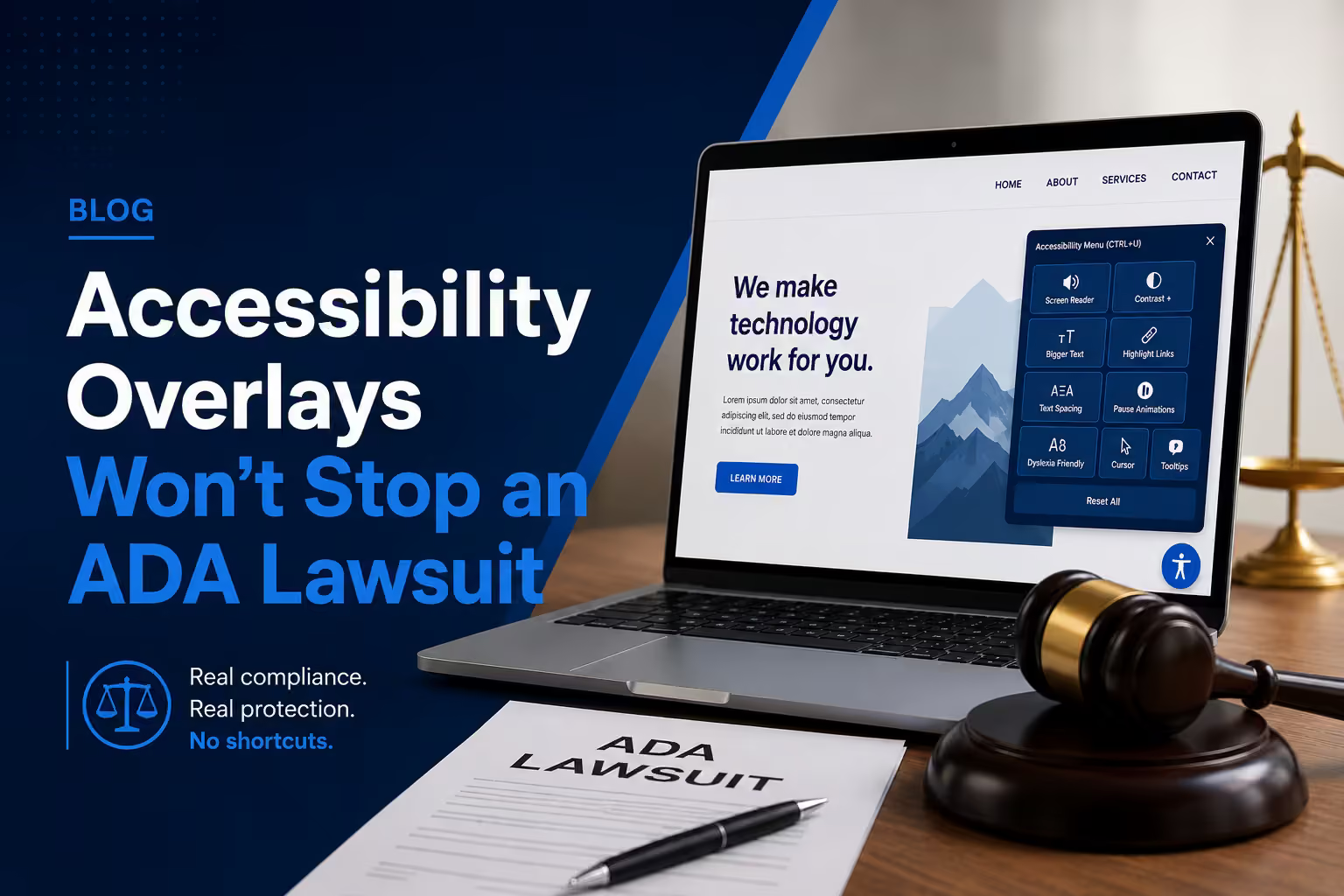
If you have added an accessibility widget and assumed the underlying website no longer needs testing or remediation, this guide is for you. An overlay may alter some presentation or input behaviour, but it cannot establish conformance across the source content, semantics, forms, custom components, documents, and complete user journeys.
This article explains what overlays can and cannot do, what the US Federal Trade Commission’s accessiBe action established, and what a credible source-level remediation process looks like.
For implementation help, review our accessibility audit and remediation service or use the 30-point accessibility checklist.
What an Accessibility Overlay Actually Is
An accessibility overlay is a single line of JavaScript you paste into your website. Once loaded, it injects a floating toolbar - usually a small icon in the corner - that offers users options like larger text, higher contrast, or a reading guide. The vendors behind these products market them aggressively, often promising full ADA or WCAG compliance within forty-eight hours for a flat annual fee.
The pitch is seductive because it sounds effortless. Accessibility is complex and unfamiliar to most business owners, so a one-line script that claims to solve it is exactly what a busy decision maker wants to hear. The problem is that the promise is not true, and the gap between the marketing and the engineering reality is now well documented.
Why Overlays Do Not Work
They cannot fix your underlying code
A website’s accessibility lives in the HTML the browser receives: the heading structure, the form labels, the ARIA landmarks, the alt attributes, the language declarations, and the focus order. An overlay runs after that HTML loads and tries to patch it from the outside using automated detection. But the best automated tooling available today, even with modern AI, reliably detects only about thirty to forty percent of Web Content Accessibility Guidelines issues in the first place. It cannot understand whether your alt text is meaningful, whether your reading order makes sense, or whether a custom widget is operable by keyboard. You cannot automatically fix what you cannot automatically detect.
They frequently break assistive technology
This is the part that surprises most business owners. Overlays do not simply fail to help; they often cause active harm. Aggressive overlay scripts can interfere with screen readers that were working perfectly well, override settings that users have already configured in their own operating system or browser, and force unwanted behaviour onto the very people the product claims to serve. The disability community has been vocal and consistent on this point: many screen reader users now actively avoid or disable overlays, and thousands of accessibility professionals have publicly pledged never to recommend them.
They add performance and privacy overhead
An overlay is a third-party script that loads on every page, adds weight to your Core Web Vitals, and in many cases collects data about how visitors interact with the toolbar. You inherit all of that cost and still do not get compliance in return.
What the FTC Action Established
In January 2025, the United States Federal Trade Commission announced a one million US dollar settlement with accessiBe. The FTC alleged that the company misrepresented the ability of its AI-powered product to make any website WCAG compliant and presented sponsored reviews as independent opinions.
The careful conclusion is not that every accessibility tool is prohibited. It is that an automated product needs evidence for the claims made about it, and a business should not treat an overlay subscription as proof that the underlying website conforms to WCAG.
Compare Deliverables, Not Marketing Labels
When comparing an overlay with a remediation engagement, ask what the provider will actually deliver:
| Question | Credible answer |
|---|---|
| What is tested? | Named templates, components, documents, and user journeys |
| How is it tested? | Automated rules plus manual keyboard and assistive-technology testing |
| What gets fixed? | Source content, design, HTML, styles, and component behaviour |
| How is a fix verified? | Retesting with criterion-level status and evidence |
| What remains? | Known limitations and third-party dependencies are disclosed |
| How are regressions prevented? | Development, content, and release controls are documented |
At eLan Technology, a rapid WCAG audit and remediation plan starts at $1,500 USD. Full remediation is quoted after the affected surface and repeated issue types are understood.
What Actually Works: Source-Level Remediation
Sustainable accessibility has three components, and none can be supplied by a widget alone.
1. Fix accessibility in the code your server delivers
The HTML that reaches the browser must already meet WCAG 2.2 Level AA. That means semantic headings, skip-navigation links, ARIA landmarks used correctly, descriptive alt attributes, properly associated form labels, a logical focus order, sufficient colour contrast, language declarations, and interactive components that are fully operable by keyboard. This is engineering, not configuration.
2. Verify with a hybrid audit
Automated scanners such as axe DevTools, Lighthouse, and WAVE are useful for the thirty to forty percent of issues they can catch, and they belong in your process. But the remaining majority - meaningful alt text, logical reading order, keyboard traps, screen-reader experience, cognitive load - requires manual testing. A credible audit pairs automated scanning with keyboard-only navigation, screen-reader walkthroughs using NVDA and VoiceOver, and review informed by lived disability experience.
3. Make conformance continuous
Websites change constantly, and a single redesign, campaign page, or plugin update can introduce dozens of new failures. Sustainable compliance means quarterly regression checks, accessibility training for content editors, automated a11y tests inside your continuous integration pipeline, and a public accessibility statement with a real feedback channel and dated audit history.
If your last audit predated 2024, you also have the nine new WCAG 2.2 success criteria to account for - including focus that is not obscured by sticky headers, minimum target sizes, and accessible authentication that bans cognitive puzzles as the only way to log in.
How eLan Technology Helps
eLan Technology provides accessibility-first development, scoped WCAG audits, source-level remediation and retesting for clients in India and overseas. We do not present an overlay as a substitute for correcting and verifying the underlying website.
Our accessibility engagements can combine automated and manual testing, with findings prioritised by user impact, repeated source component and engineering effort. Evidence, retesting, an Accessibility Conformance Report using an appropriate VPAT template, or statement support are included only when named in the scope. Legal counsel should decide how technical evidence is used in a claim, filing or procurement response.
If you have received a demand letter, are preparing for procurement review, or want to replace a widget with source-level work, our accessibility audit and remediation service covers testing, remediation, and retesting. If you are responding to a demand letter, our guide to emergency website remediation explains the technical steps.
Final Thoughts
Accessibility overlays sell a comforting story: that a complex product-quality problem can be solved by pasting in a line of code. A widget cannot evaluate every task, understand every piece of content, or repair every underlying component.
The durable alternative is straightforward: fix the source, verify the result, disclose known limitations, and prevent regressions.